Never miss
what matters.
Get a clear summary, key points, and action items from every meeting.
 NotePlan team
Record meetings on your Mac without a bot joining the call. Memo turns the conversation into clear summaries, key points, and action items.
 Mac Coming soon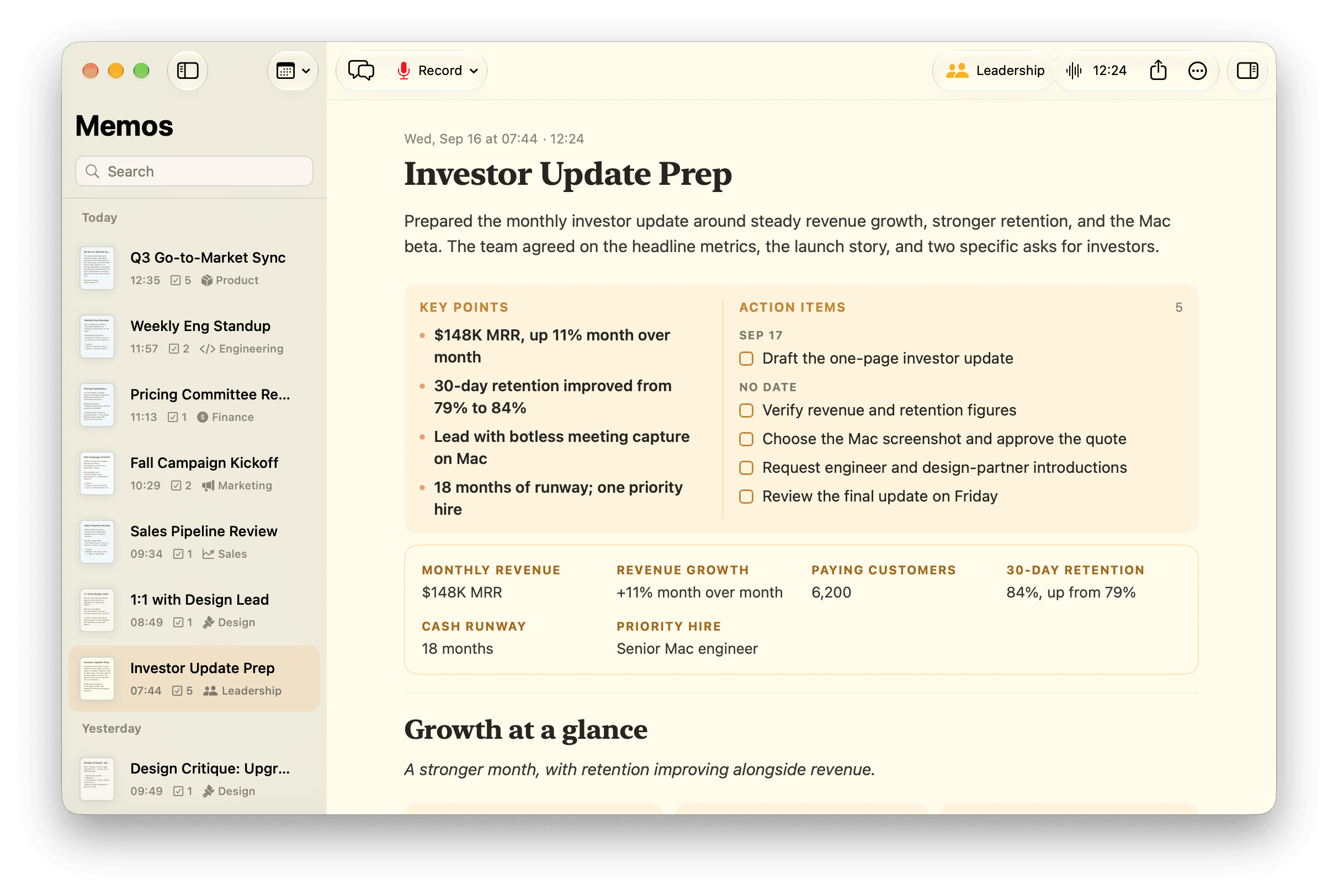

Botless meeting recording.
Coming soon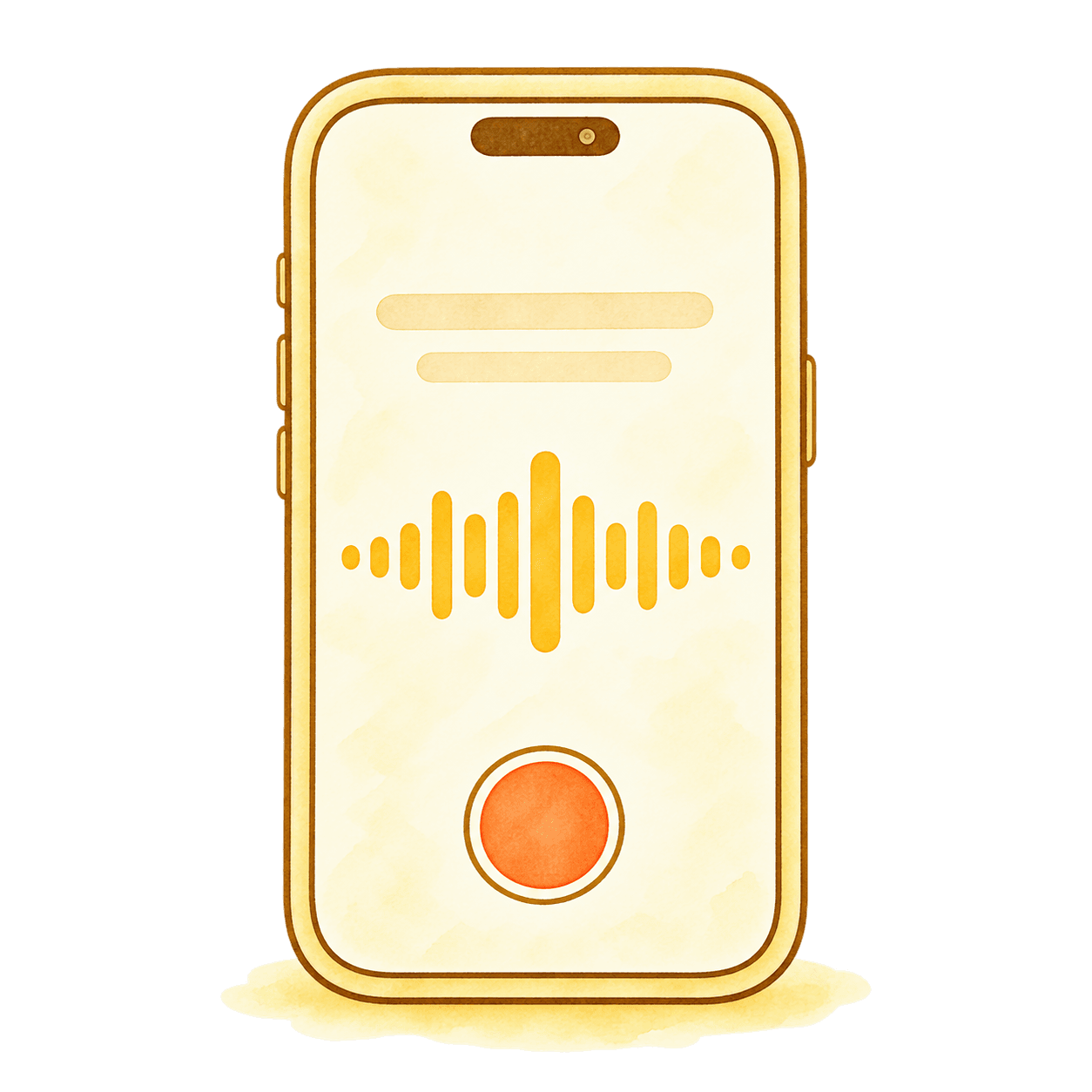
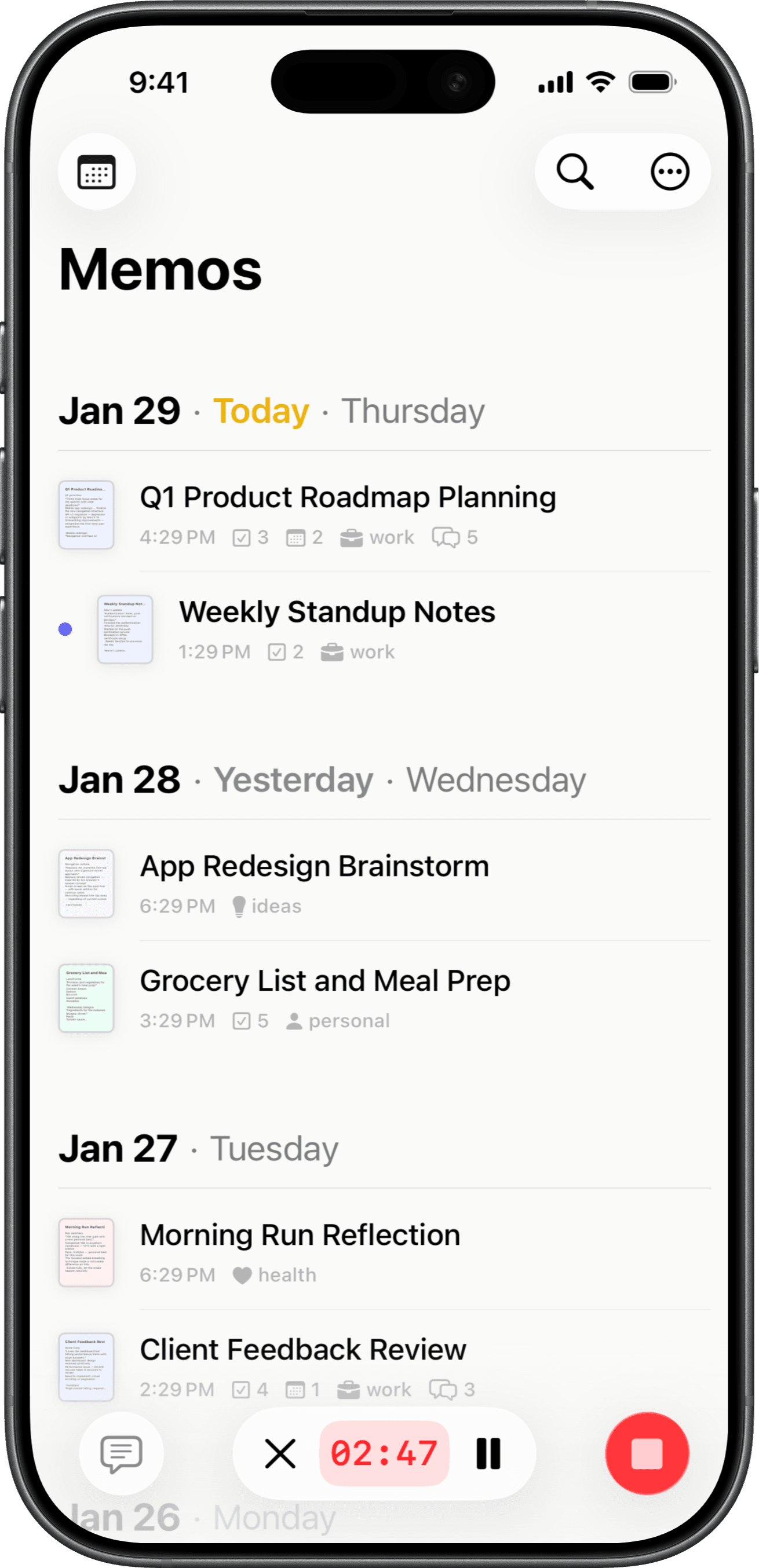
Voice notes on the go.
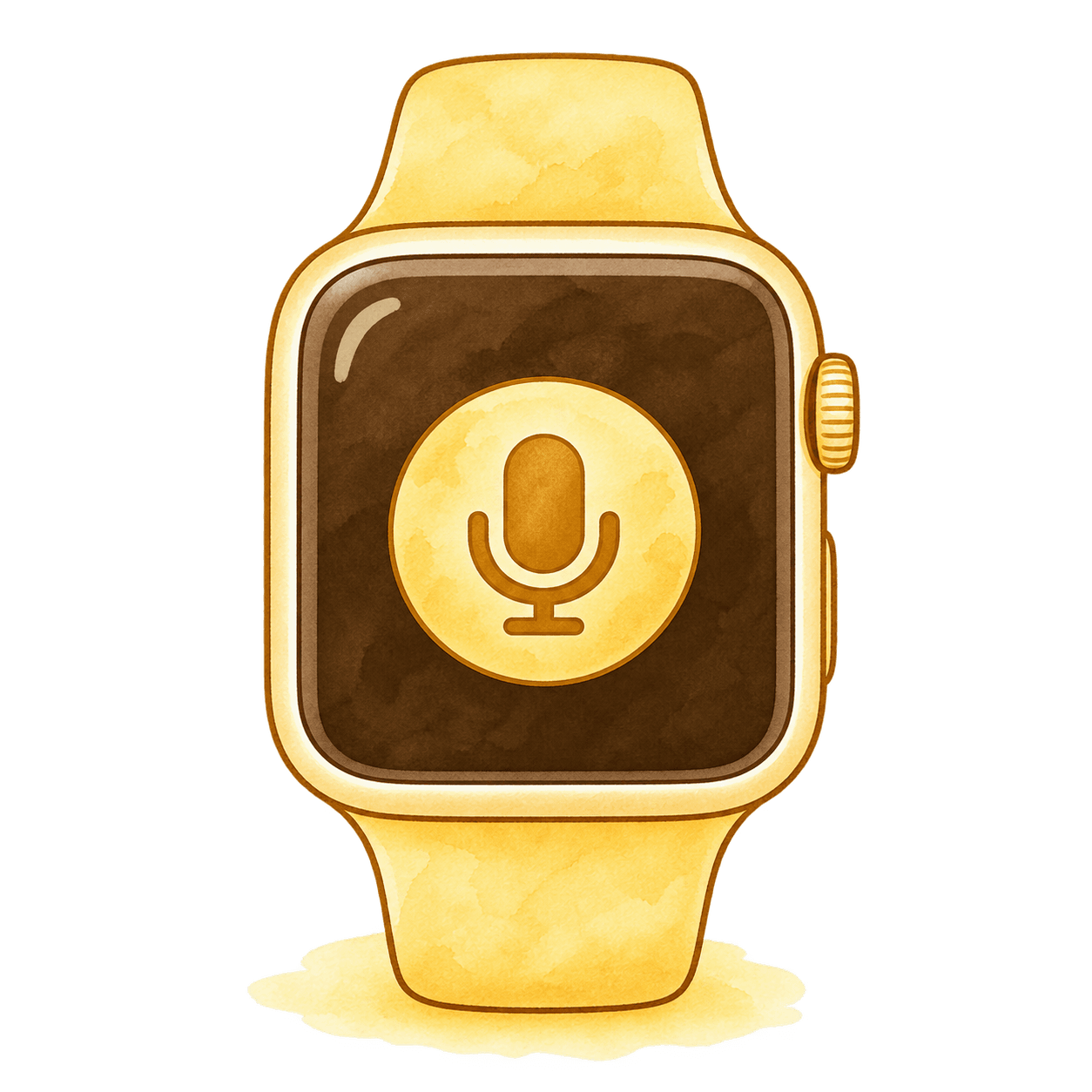
Record from your wrist.

Capture ideas in the car.
Stay in the conversation. Memo records, transcribes,
and turns your meetings into notes you can use.
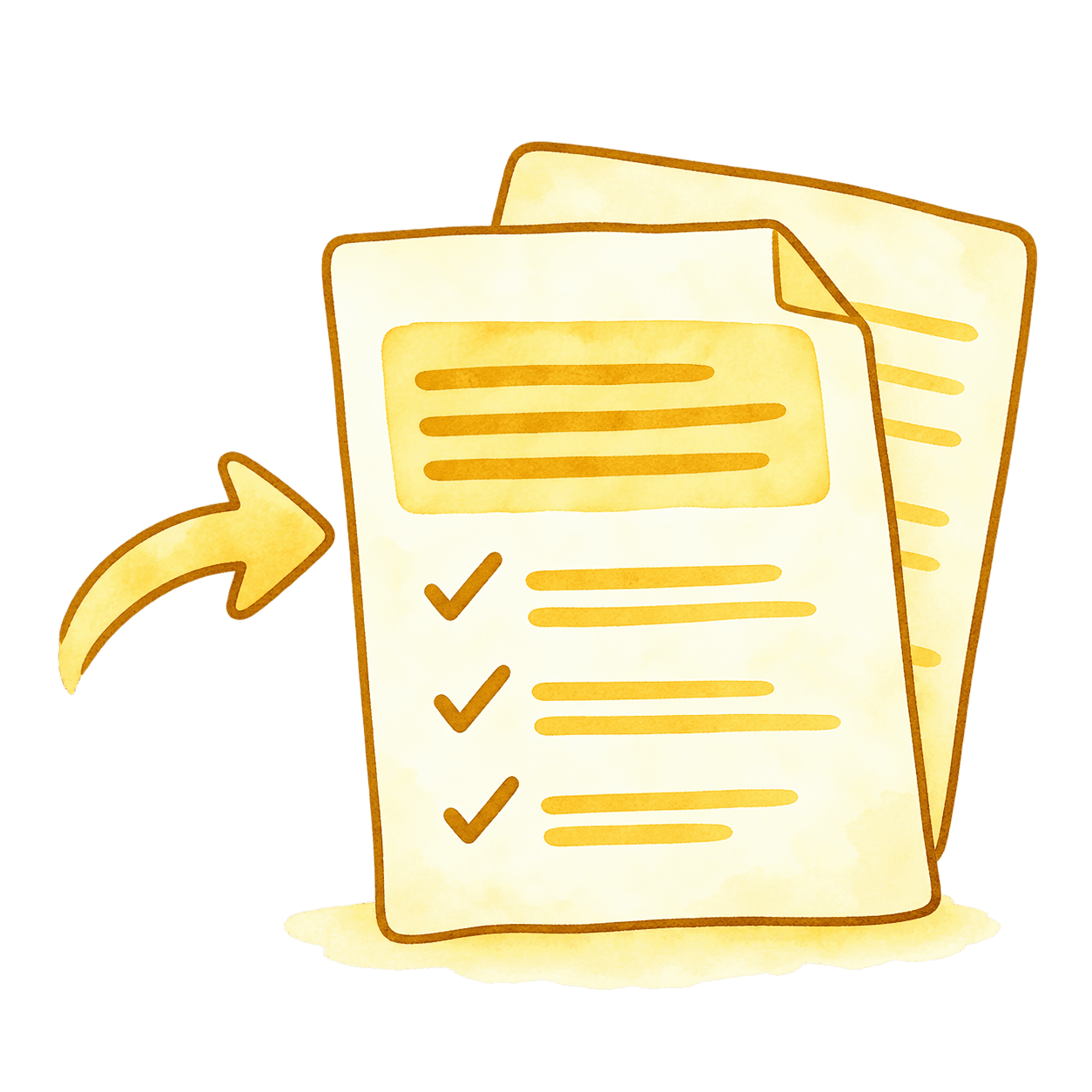
Get a clear summary, key points, and action items from every meeting.
Record your mic and meeting audio directly on Mac, without adding a bot to the call.

Record a conversation or dictate a quick note on your iPhone. Memo takes care of the typing.
Explore everyday usesAsk questions about your meetings and get answers with references to the original notes.
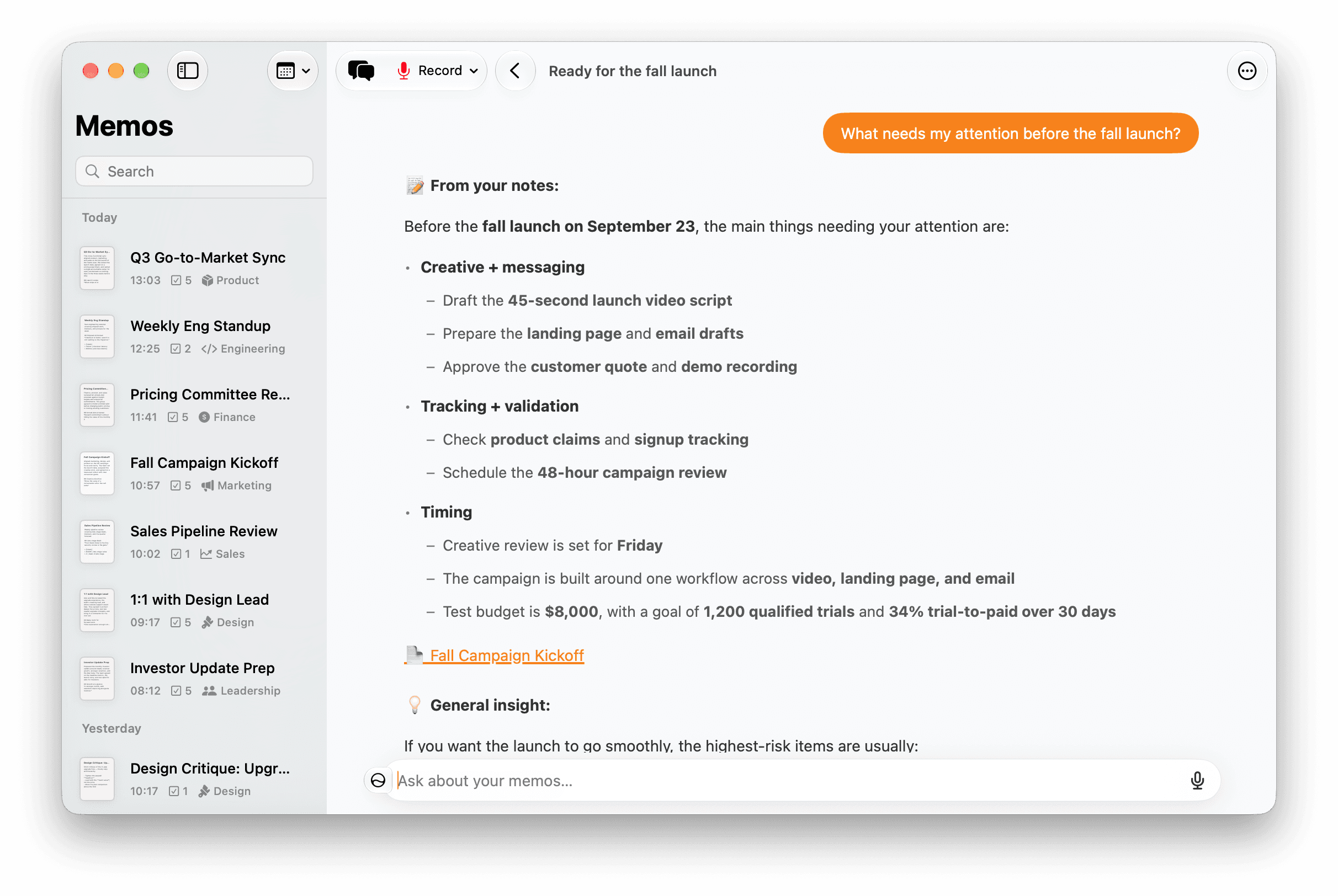
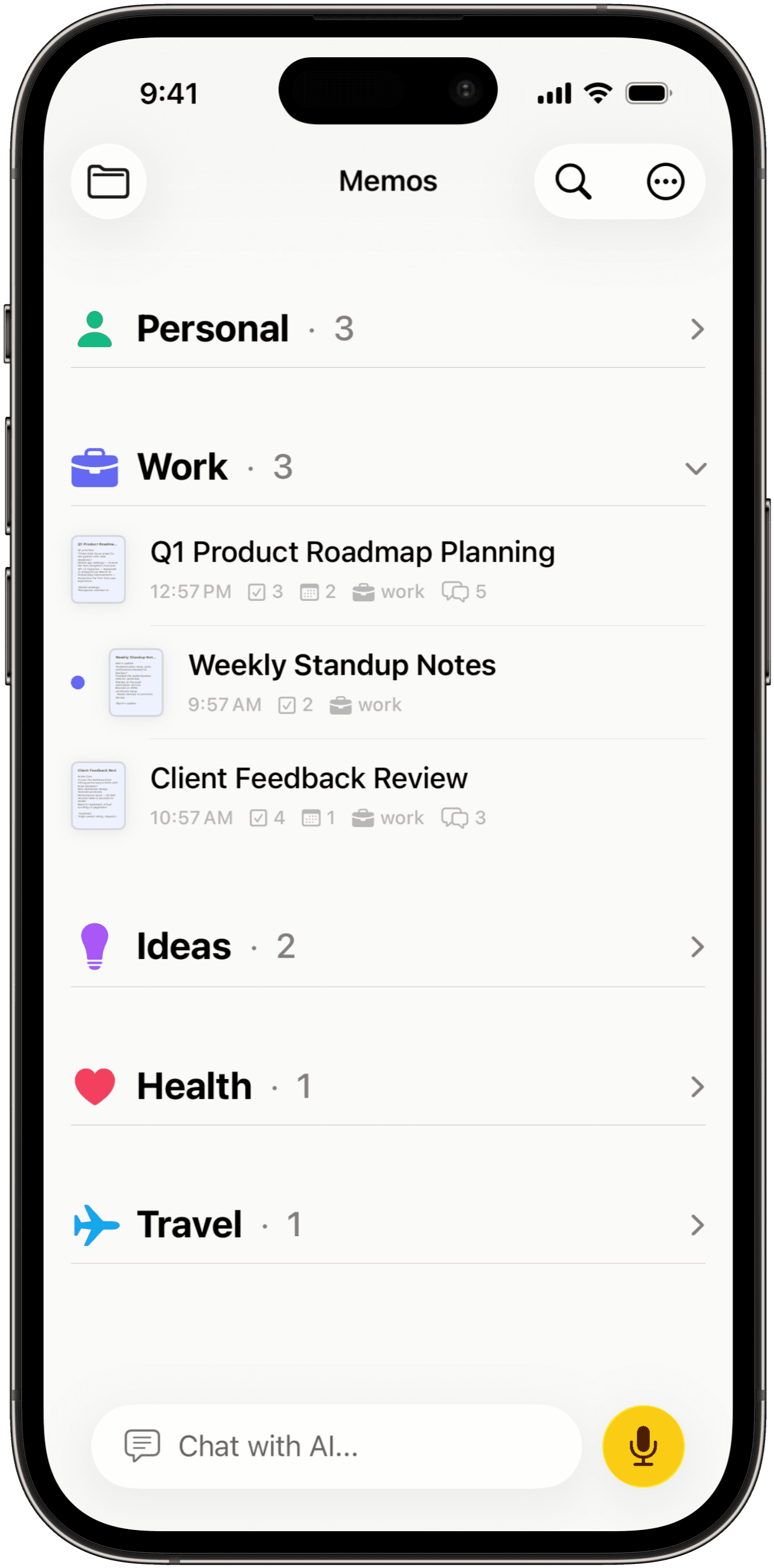
Keep meeting notes and voice memos together. Find what you need with categories and search.

Notes live on your device, with iCloud sync across devices. AI features use cloud processing, and you decide whether to keep your audio.
How we handle your dataTranscribe in 12+ languages. Add names and specialist terms to your custom dictionary.
Keep your memos together across devices with iCloud sync.
Export to Markdown or PDF, send a note to NotePlan, or add tasks to Apple Reminders.
Key points, clear decisions, and a plan for what comes next.
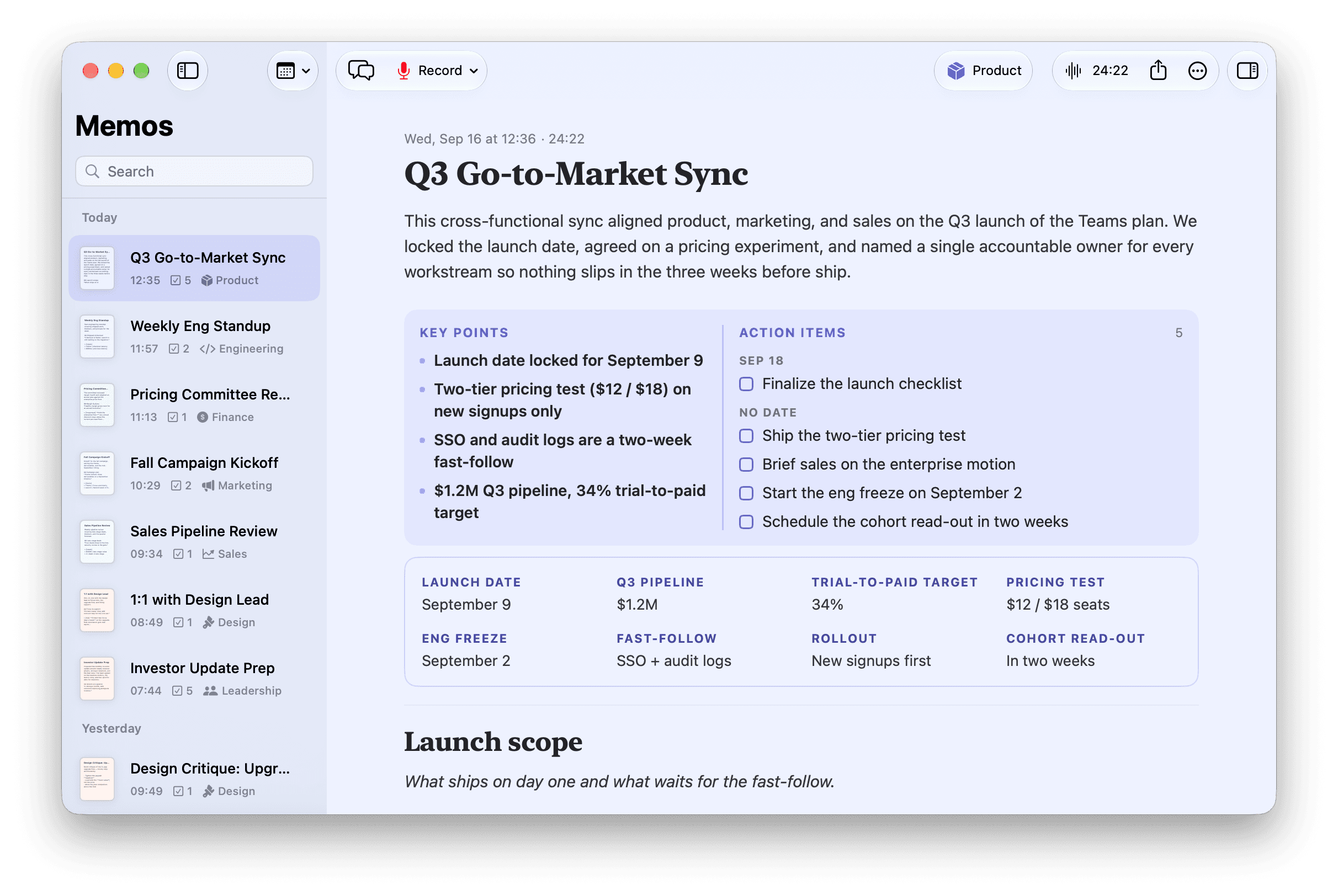
Here’s what a meeting looks like in Memo.
This cross-functional sync aligned product, marketing, and sales on the Q3 launch of the Teams plan. We locked the launch date, agreed on a pricing experiment, and named a single accountable owner for every workstream so nothing slips in the three weeks before ship.
Sep 18
Sep 19
No date
What ships on day one and what waits for the fast-follow.
Day one focuses on the collaboration surface that unblocks teams; anything not strictly required to onboard a team is deferred so we can hold the date.
We agreed to run the test on new signups only, so existing accounts stay stable and the numbers stay clean. Sales keeps a single negotiated price for enterprise so the experiment doesn’t muddy those conversations.
Each workstream has one accountable lead.
Launch date locked: September 9. The pricing test runs on new signups only. We reconvene in two weeks to read the first cohort before migrating existing accounts.
An excerpt from an example meeting note, using Memo’s layouts. Try checking off an action item.

Selected five-star reviews from the App Store.
“The new note layouts are really useful for catching what happened in a meeting and I am using it often!”
“The summary was spot on. Detailed in all the right areas. Accurate and concise. Finding more and more use day to day.”
“Transcription quality is excellent across multiple languages (I constantly switch between Italian, German and English, and it just works)”
“Being able to convert items into reminders is fantastic. If you use NotePlan, then this is amazing.”
“Being able to take a note whenever and wherever with Apple Watch support is fantastic too.”
“Memo AI has rapidly become a central app for my workflow. Adding the Watch version has made it even better.”
Excerpts from App Store reviews. Read more on the App Store
Memo transcribes it, turns it into a structured note, and brings out key points and action items. You can keep the full transcript, ask follow-up questions, and choose how you want the note formatted.
Yes. Memo for Mac captures your microphone and meeting audio directly, without adding a bot to the call. You stay in control of when recording starts and stops. Let the other participants know when you record.
You can record and read saved notes offline. Transcription, AI summaries, and chat need an internet connection.
Notes are stored on your device and can sync through your iCloud account. You choose whether to keep audio recordings for playback. Transcription and other AI features use cloud processing.
Memo is a separate app from the team behind NotePlan. It is made for capturing ideas and conversations by voice. You can send finished notes to NotePlan when it is time to plan your next steps.
Transcription, summaries, and AI chat.
Try Memo free for 3 days.
$12.99 / month
Billed monthly.
3-day free trial for eligible subscribers.
$79.99 / year
About $6.67/month, billed yearly.
3-day free trial for eligible subscribers.
US prices in USD. Prices vary by region. Choose your plan in the app. After the trial, your plan renews at the listed price unless canceled (cancel at least 24 hours before expiration). Manage or cancel anytime in your App Store settings.

Record the conversation. Let Memo take the notes.
Mac Coming soon